

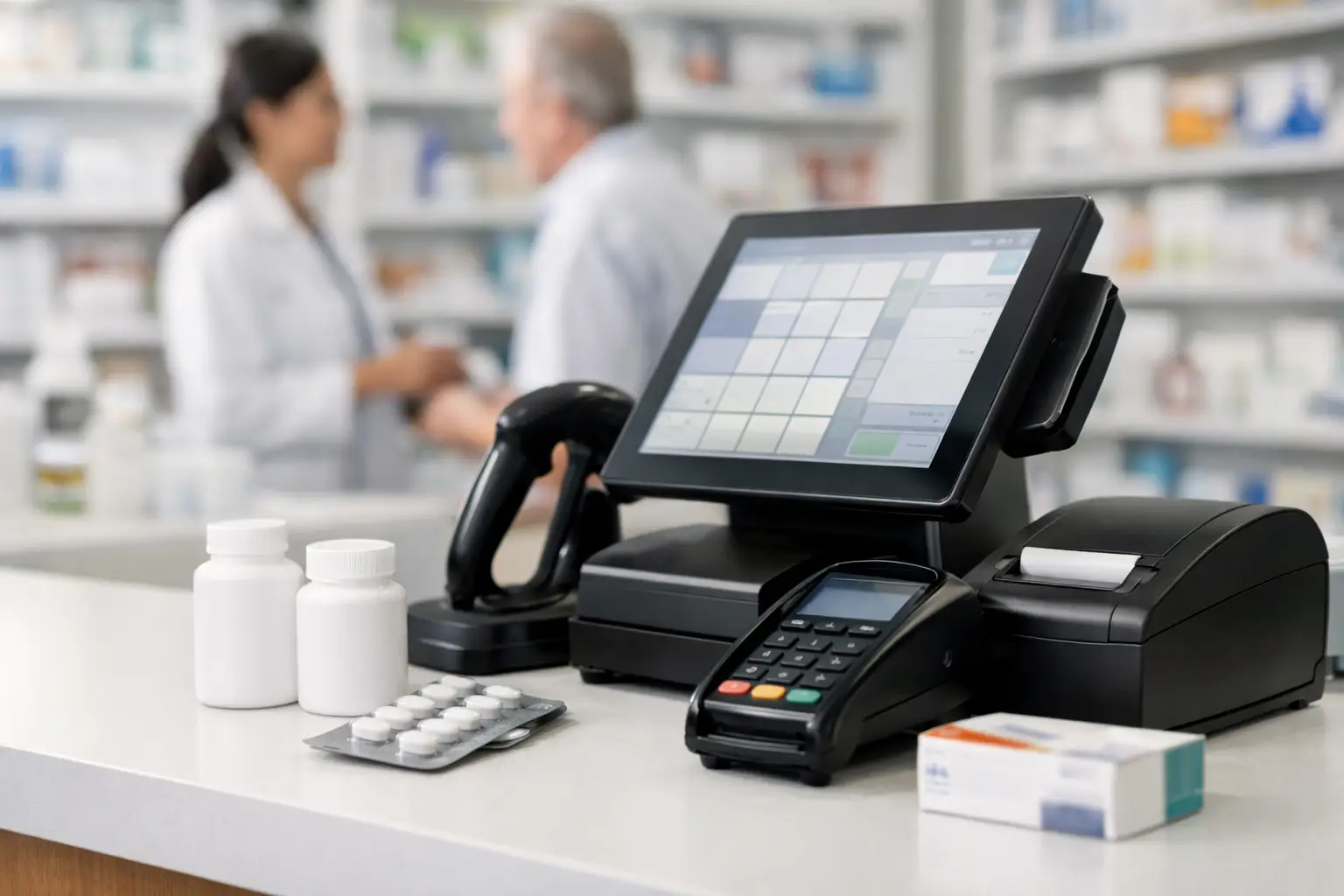
A pharmacy checkout line is not simply a retail transaction. It is where prescription workflow, patient expectations, inventory accuracy, reimbursement pressure, and front-end sales all meet. That is why evaluating the best pharmacy POS systems requires more than comparing touchscreen layouts or monthly subscription prices. The right decision begins with a clear view of how the system will support the pharmacy’s operating model.
For an independent community pharmacy, a point-of-sale platform should reduce friction at the counter while giving management better control over margin, merchandising, promotions, and staff performance. For higher-volume locations, it must also keep pace without creating workarounds that undermine the dispensing system or the patient experience.
What Makes a Pharmacy POS System Different
A general retail POS platform can process payments, print receipts, and track basic inventory. A pharmacy POS system must do more. It needs to operate in a regulated healthcare environment, connect reliably with pharmacy management software, and distinguish between prescription activity and front-end retail performance.
The distinction matters because pharmacy owners need meaningful data, not just daily sales totals. They need to know whether front-end categories are growing, which promotions protect margin rather than dilute it, whether an item is selling at multiple locations, and how returns, discounts, loyalty rewards, and inventory adjustments affect profitability.
A pharmacy-specific platform should also fit counter realities. Staff may need to manage a prescription pickup, a retail purchase, an insurance-related question, and a patient request for a nonprescription recommendation within the same interaction. A system that adds steps at checkout can quickly become an operational cost, even if its initial price is attractive.
Best Pharmacy POS Systems: Evaluate the Workflow First
There is no single best platform for every pharmacy. The strongest system is the one that fits the pharmacy’s dispensing environment, business priorities, and capacity to implement it well.
Before reviewing vendors, map a typical day at the front counter. Include prescription pickup, retail-only transactions, partial fills, returns, discounts, price overrides, loyalty enrollment, gift cards, inventory receiving, and end-of-day reconciliation. Ask staff where delays occur and where duplicate entry is already happening. These details are more valuable than an impressive feature list.
For example, a pharmacy focused on front-end growth may place greater weight on category reporting, promotion controls, customer loyalty, and electronic shelf-label compatibility. A pharmacy with a large prescription volume may prioritize fast lookup, dependable payment processing, workstation stability, and deep integration with its pharmacy management platform. A multi-store operator will need centralized item management, role-based permissions, store-level reporting, and consistent pricing controls.
The implementation model matters as well. Cloud-based systems can simplify updates, remote reporting, and multi-location administration, but they depend on reliable connectivity and a sound contingency plan for outages. Locally installed systems may provide familiarity and control, yet updates and support can be more demanding. Neither approach is automatically superior.
The Capabilities That Deserve the Closest Review
Pharmacy management integration
Integration is the core question. The POS should exchange the necessary information with the pharmacy management system accurately and promptly, without forcing staff to manually rekey prescription or patient-related details. During a demonstration, ask the vendor to show the exact workflow for prescription pickup, payment posting, refunds, and transaction corrections.
Do not accept the word “integrated” without clarification. Integration can range from a basic interface to a tightly connected workflow. Confirm which pharmacy management systems are supported, what data moves between systems, how often it syncs, and who resolves exceptions when records do not match.
Payment security and compliance
Payment processing must meet current PCI security requirements. Access controls, audit trails, encryption, and secure handling of card data are essential. Because pharmacy operations may involve protected health information, the organization should also understand where patient-related data is displayed, stored, transmitted, and accessible.
A POS vendor is not solely responsible for a pharmacy’s compliance obligations. The pharmacy must maintain appropriate policies, user permissions, staff training, and device security. Still, the system should make secure practices easier rather than relying on staff to compensate for weak controls.
Inventory and purchasing visibility
Inventory is often where POS value becomes visible. A useful platform provides accurate on-hand counts, receiving tools, reorder support, shrinkage tracking, and reporting by department, brand, vendor, and item. It should help managers identify slow-moving products before they become dead stock and highlight fast-selling categories that merit better shelf allocation.
This is especially important for over-the-counter products, dermocosmetics, wellness categories, seasonal merchandise, and convenience items. A pharmacy cannot improve front-end profitability if it cannot see what is selling, what is discounted, and what is tying up cash.
Reporting that supports decisions
Reports should answer practical management questions. Which categories generate sales but weak margin? Which promotions increase basket size? What are the busiest transaction periods? How often are staff members applying discounts or overrides? Which locations are underperforming against plan?
Ask to see reports in their final exportable form, not only on a dashboard. Finance teams may require clean data for reconciliation, while managers need simple daily and weekly views they can act on. Reporting is only valuable when it is trusted and routinely used.
Support, training, and uptime
A pharmacy cannot wait until the next business day to resolve a counter outage. Review support hours, escalation procedures, hardware replacement terms, onboarding responsibilities, and training options. Determine whether support personnel understand pharmacy workflows or treat the organization as another retail account.
Training should cover more than the basic sale. Staff need practice with voids, returns, coupon rules, split tenders, downtime procedures, price corrections, and end-of-day close. A well-designed rollout includes a period of closer support after go-live, when real-world questions emerge.
Comparing Vendor Types Without Chasing a Brand Name
The market includes pharmacy-focused platforms, pharmacy management vendors with integrated POS modules, and broad retail providers that can be configured for pharmacy operations. Each category has advantages.
A pharmacy-focused POS may offer stronger dispensing workflow alignment and industry-specific support. A pharmacy management system with a native POS module can reduce integration complexity, although it may be less flexible for advanced retail marketing or specialty merchandising. A general retail platform may have polished customer engagement tools and broad hardware choices, but it needs particularly careful evaluation around pharmacy interfaces, compliance, and prescription pickup workflows.
When comparing products, request a demonstration based on your pharmacy’s own scenarios. Provide examples such as a pickup with a front-end add-on, a return without a receipt, a loyalty discount on a restricted promotion, and a price change at one store but not another. The vendors that can demonstrate these situations clearly are more credible than those offering generic retail presentations.
Total Cost Is More Than the Software Fee
POS budgets often underestimate the full cost of ownership. Hardware, payment processing, installation, data migration, employee training, support tiers, software updates, peripheral devices, and contract commitments can materially change the economics.
Payment processing deserves particular scrutiny. Compare rates, transaction fees, contract length, early termination provisions, chargeback handling, and whether the system requires a specific processor. A lower software fee can be offset by less favorable processing terms over time.
Also calculate the cost of disruption. If a conversion requires staff to work more slowly for several weeks, relabel inventory, rebuild item records, or reconcile data manually, that labor should be part of the decision. The least expensive system at purchase is not always the least expensive system to operate.
A Practical Selection Process for Pharmacy Owners
Create a small selection team that includes an owner or manager, a lead technician, a front-end employee, and the person responsible for financial reconciliation. Their perspectives will expose different risks early. Establish a short list of nonnegotiable requirements, then score each platform against workflow fit, integration quality, reporting, security, support, scalability, and total cost.
Insist on reference conversations with pharmacies of similar size and operational complexity. Ask what was difficult during implementation, how quickly support responds, what features are rarely used, and what they would change if making the decision again. This feedback is often more revealing than a sales demonstration.
Finally, plan the transition as an operational project, not an IT purchase. Clean item data, define user roles, test interfaces, train staff in realistic scenarios, and communicate the go-live plan clearly. The quality of implementation will shape the return on investment as much as the software itself.
The best POS decision gives the pharmacy team more time for patients and better information for managers. If a system cannot make both the counter and the business easier to run, it has not earned a place at the center of the operation.