

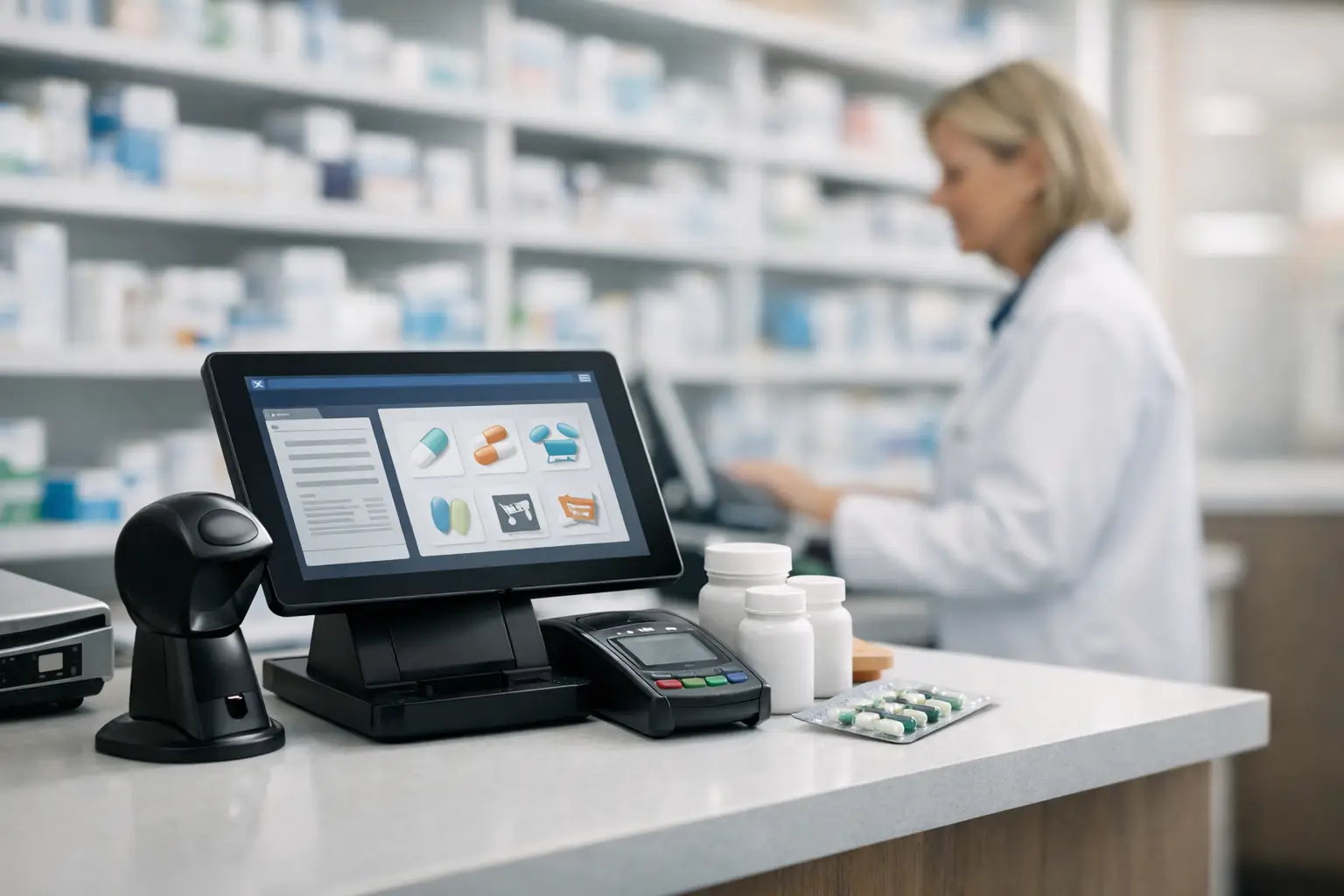
The fastest way to feel the limits of a pharmacy system is not during a vendor demo. It is during a queue at 6 p.m., when a staff member needs to process a prescription, check stock, apply a loyalty rule, and answer a patient question without slowing the line. A useful pharmacy pos software review starts there – at the counter, where operational pressure exposes whether the platform supports the business or adds friction.
For pharmacy owners and managers, POS software is not just a checkout tool. It sits at the intersection of dispensing workflow, front-end retail, inventory control, reimbursement logic, staff accountability, and patient experience. That makes software selection a management decision as much as a technology purchase.
What a pharmacy POS software review should actually examine
Many reviews overemphasize features and understate context. A system can look strong on paper and still be a poor fit for an independent pharmacy, a small regional chain, or a high-volume urban location. The right review should assess how the software performs in real operating conditions.
Speed matters, but so does workflow design. A screen layout that saves two clicks on every OTC sale may have little value if prescription pickup is awkward or if returns, partial fills, and insurance edge cases require workarounds. The better question is whether the system reduces mental load for trained staff while preserving control for management.
A serious review also needs to separate general retail POS capability from pharmacy-specific functionality. Standard retail platforms may handle barcode scanning, promotions, and payment processing well. They often fall short when the pharmacy needs tight inventory controls, controlled substance tracking, patient-linked sales history, or integration with dispensing and reimbursement systems.
Core criteria in a pharmacy POS software review
Workflow at the counter
The first test is transaction flow. Can staff move from prescription pickup to front-of-store add-on sales without toggling between multiple screens or systems? Can they identify patient records quickly, apply discounts accurately, and resolve exceptions without calling a supervisor for routine issues?
This is where pharmacy environments differ from general retail. The transaction often includes clinical sensitivity, regulated items, third-party billing implications, and patient counseling needs. A POS that is technically fast but poorly structured for pharmacy interactions can increase error risk and reduce service quality.
Inventory accuracy and purchasing visibility
Inventory is where margins are protected or lost. Strong pharmacy POS software should support real-time stock visibility, automatic reorder logic, lot and expiration awareness where applicable, and usable reporting across both prescription-related and front-end categories.
Not every pharmacy needs advanced forecasting, but every pharmacy needs trustworthy counts. If the system allows stock discrepancies to build quietly, purchasing decisions become less precise and shrinkage becomes harder to spot. Reviews should pay attention to cycle count tools, receiving workflows, and the ease of correcting errors with a clear audit trail.
Compliance and security controls
A pharmacy does not evaluate software the same way a gift shop or apparel store would. User permissions, audit logs, transaction traceability, and data protection are central. Managers need confidence that voids, discounts, refunds, and overrides are controlled and reviewable.
The compliance issue goes beyond regulation in the narrow sense. It also touches operational governance. When a pharmacy cannot clearly see who changed a price, canceled a sale, or adjusted inventory, internal control weakens. Good systems make accountability visible without making staff workflows unnecessarily rigid.
Reporting that supports decisions
The phrase reporting tools appears in nearly every vendor brochure. The practical question is whether the reports help an owner act. Can the pharmacy identify margin by category, promotion performance, dead stock, peak transaction times, and staff-level sales behavior? Can reports be filtered in ways that match how the business is actually managed?
Too many systems generate large volumes of data and very little management insight. For pharmacy owners trying to improve front-end performance, merchandising choices, or basket size, clarity matters more than report volume.
The trade-offs owners often miss
Ease of use versus depth
A simple interface is attractive, especially when turnover or part-time staffing creates training pressure. But simplicity can mask limitations. Some lighter platforms are easy to learn because they do less. That may be acceptable in a low-complexity store, but it becomes a problem when management wants segmented reporting, advanced promotions, or tighter control over categories and user permissions.
The opposite problem also exists. A feature-rich system can burden staff with unnecessary steps. The best option is rarely the one with the longest feature list. It is the one that matches the pharmacy’s actual operating model.
All-in-one platforms versus integrated stacks
Some pharmacies prefer a unified platform that combines POS, inventory, CRM, and pharmacy management functions. Others work with a set of connected systems. There is no universal winner.
An all-in-one approach can simplify vendor management and reduce integration issues. It may also limit flexibility if one module is weaker than the rest. A more modular setup can offer stronger best-of-breed tools, but integration quality becomes critical. If data synchronization fails or lags, staff pay the price at the counter.
Cost versus total operating value
Software pricing can be misleading if the review focuses only on monthly subscription or licensing cost. Implementation, hardware compatibility, migration support, training time, payment processing terms, and ongoing support all affect total cost.
A cheaper platform that causes frequent workflow delays, weak stock visibility, or reporting blind spots may be more expensive over time. For pharmacies, value is measured in labor efficiency, error reduction, inventory control, and business visibility, not just subscription fees.
How to read vendor claims with more discipline
A pharmacy POS software review should treat vendor marketing carefully. Terms like intuitive, scalable, and customizable are often too vague to be useful. Ask what those claims mean in pharmacy terms.
If a vendor says implementation is easy, ask how prescription-linked data, customer records, pricing rules, and historical reporting are migrated. If they say the software is customizable, ask whether changes require paid support or can be handled in-house. If they promise strong support, ask about response times during store hours, not only ticket submission policies.
Demos can also create a false sense of confidence. They are usually controlled environments using clean data and ideal workflows. A more useful evaluation includes live references, scenario testing, and direct observation of how the system handles exceptions.
Questions worth asking before selection
How does it perform during mixed transactions?
Pharmacies rarely operate in neat categories. One customer may pick up a prescription, buy vitamins, use a loyalty discount, and ask for an invoice. Reviews should examine whether the software handles these mixed transactions smoothly.
What happens when something goes wrong?
System reviews often focus on normal workflows. Owners should pay equal attention to failures. What happens during internet disruption, printer issues, scanner errors, or payment terminal outages? How quickly can the team continue operating, and what manual fallback options exist?
Can management use it without vendor dependence?
If every report adjustment, promotion setup, or user permission change requires outside support, the pharmacy becomes operationally dependent on the vendor. That slows decision-making and increases cost. A well-designed system gives managers appropriate autonomy while protecting critical settings.
Best-fit scenarios in any pharmacy POS software review
For a small independent pharmacy, the priority may be usability, reliable stock control, and straightforward reporting with minimal IT overhead. For a multi-location business, centralized visibility, pricing consistency, and role-based controls usually matter more. For a pharmacy with aggressive front-end growth plans, promotional flexibility, customer segmentation, and category analytics deserve more weight.
That is why a generic winner is hard to name honestly. The right choice depends on prescription volume, SKU complexity, staffing structure, front-end ambitions, and tolerance for change during implementation. A credible industry platform such as BUSINESS: PHARMACY management & COMMUNICATION would approach the issue from that operating reality, not from generic software rankings.
Final assessment: what good looks like
A strong pharmacy POS system feels predictable under pressure. It helps staff move confidently, gives managers clear visibility, and supports both retail performance and pharmacy discipline. It should shorten routine tasks, not simply digitize them.
If you are evaluating options, resist the urge to buy the most impressive demo. Buy the system that best fits your workflows, your control requirements, and the kind of pharmacy you are trying to build over the next three to five years. The best decision is usually the one that makes daily work quieter, faster, and easier to manage.